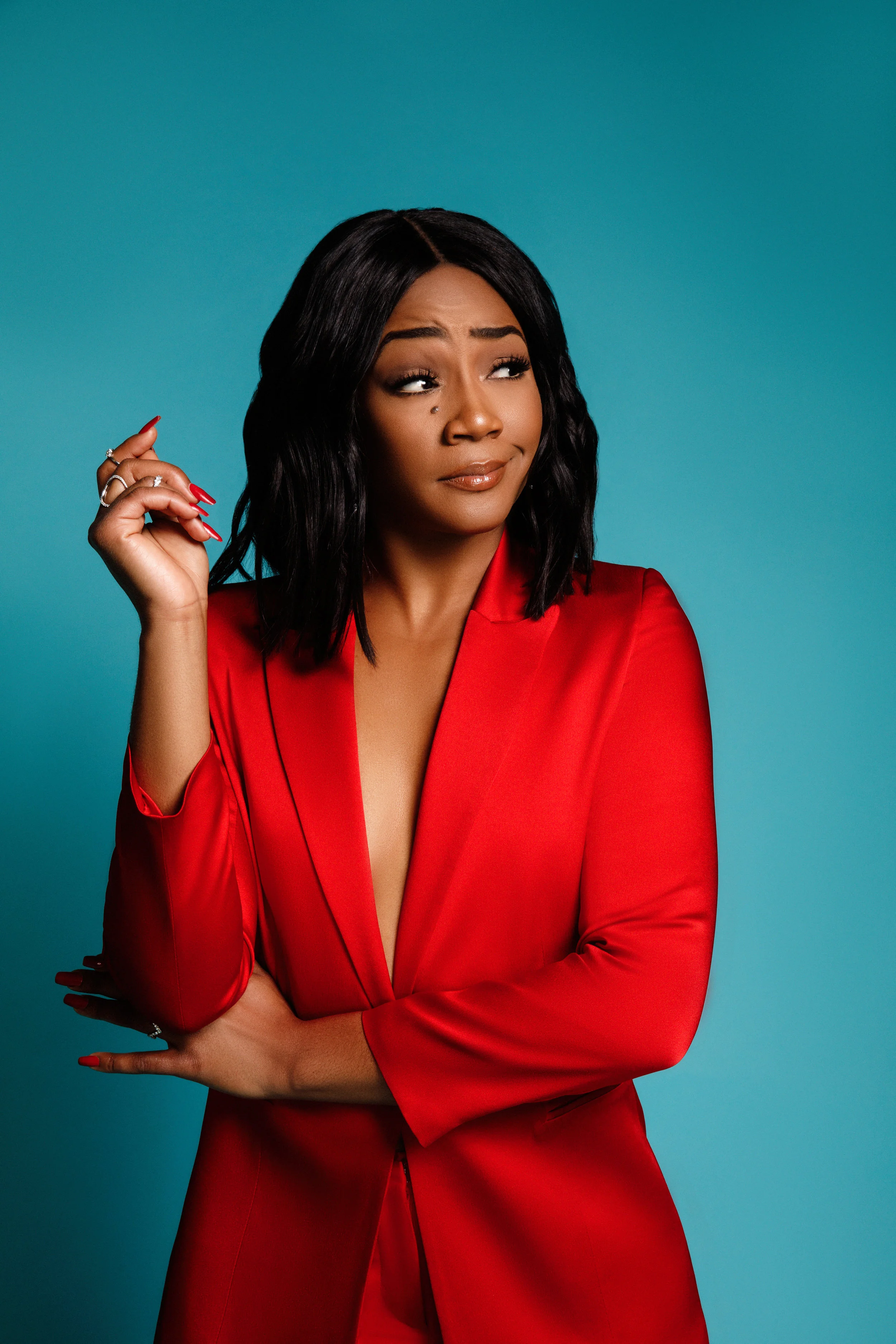
 01Tiffany Haddish
Kalyan, Maharashtra
Elevate Your Sound & Vision.
Professional Recording & Video Production for Artists & Brands
Out of this room
Scroll
Trusted Worldwide
Join over 700+ Artists & Brands worldwide who have trusted us to bring their creative visions to life through our professional Audio & Visual services.
Recording
Mixing & Mastering
Music Production
Music Videos
Graphics & Artworks
Web Design
App Development
01Tiffany Haddish 02BuzzFeed
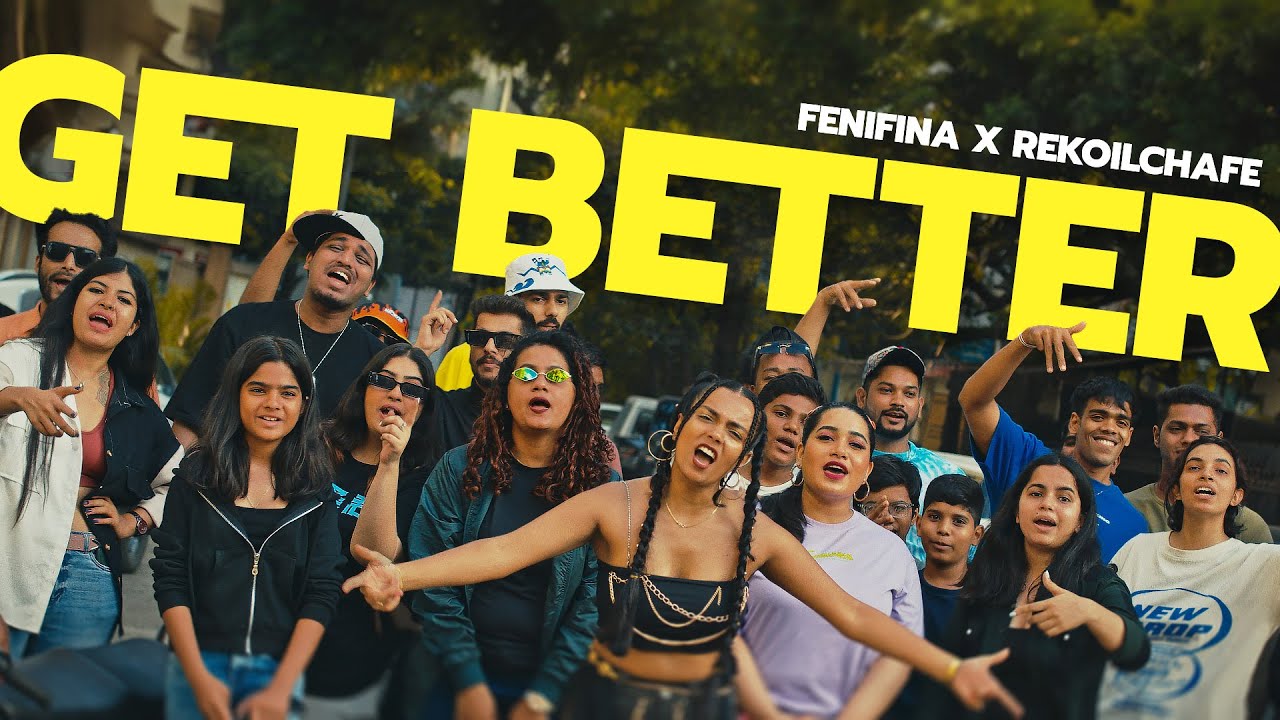
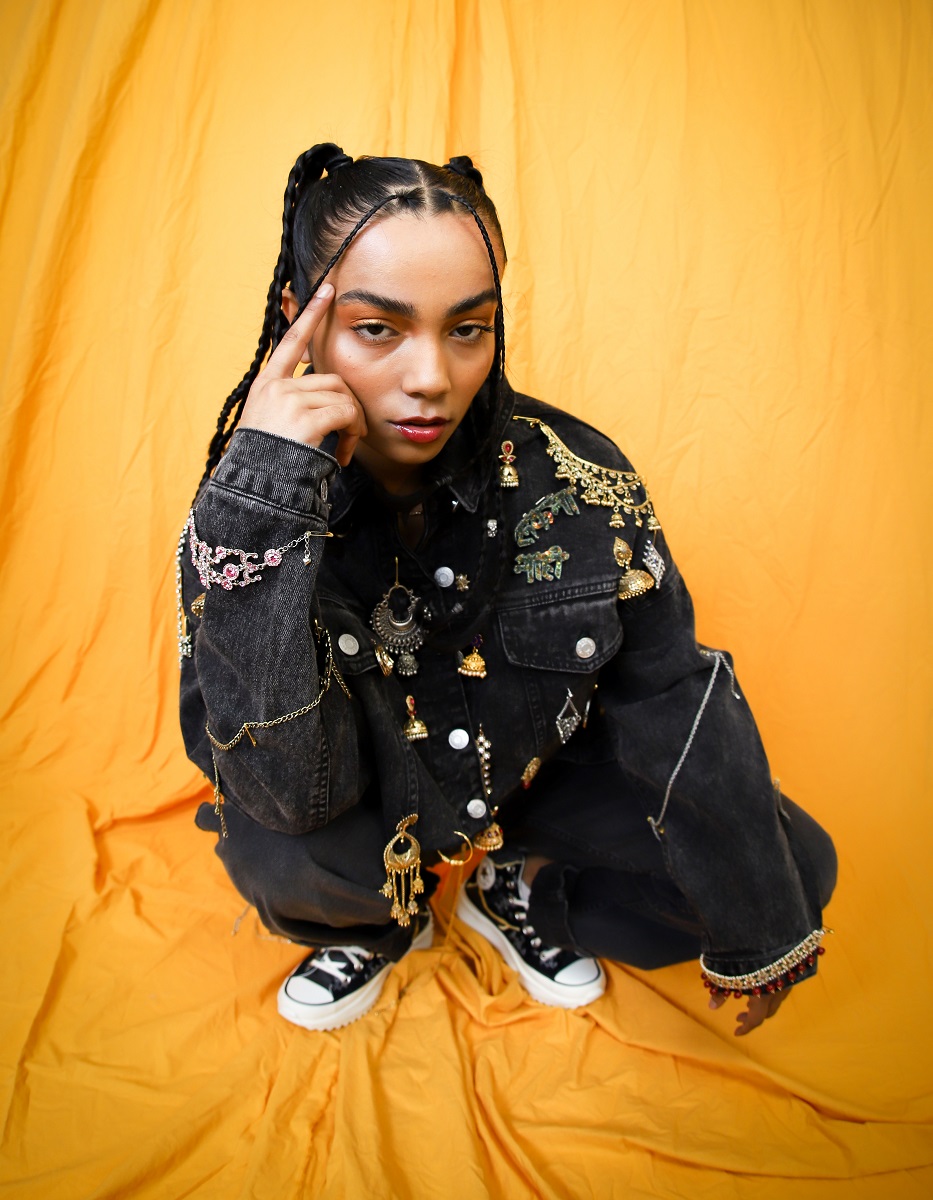 03FeniFina
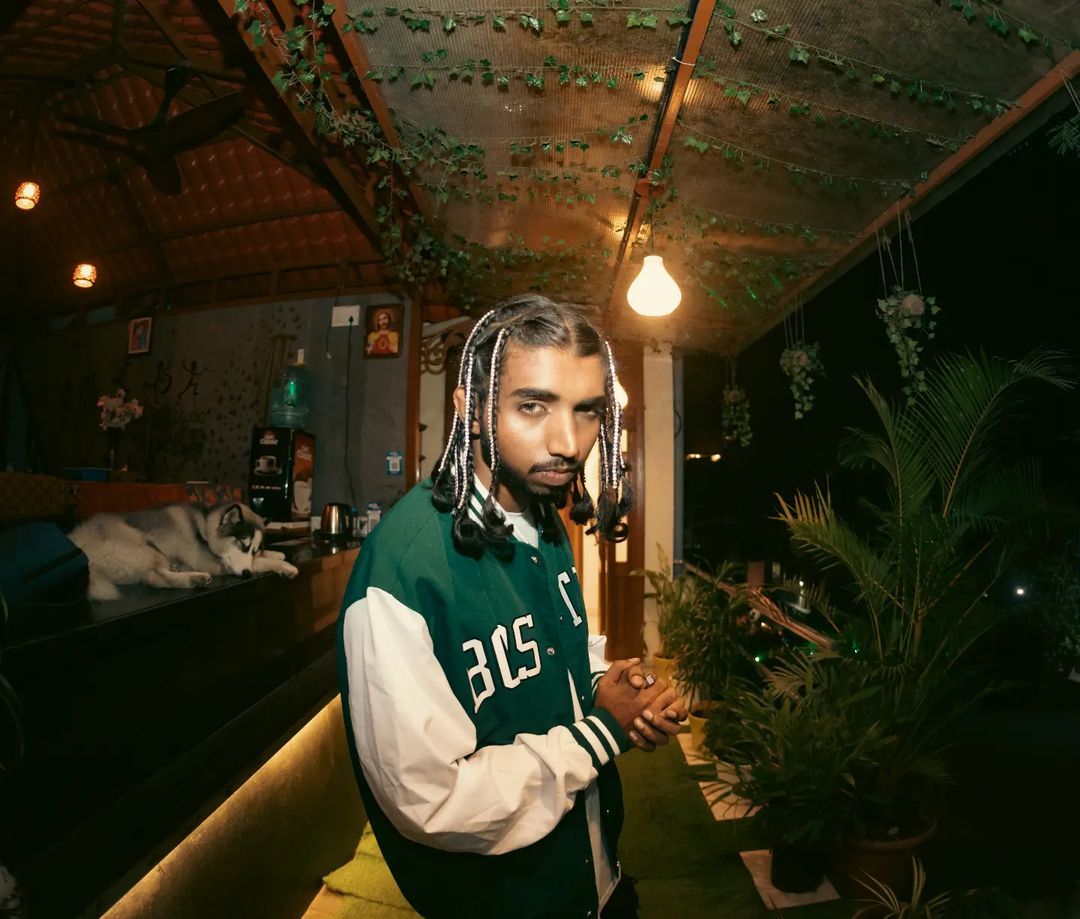 04Gravity
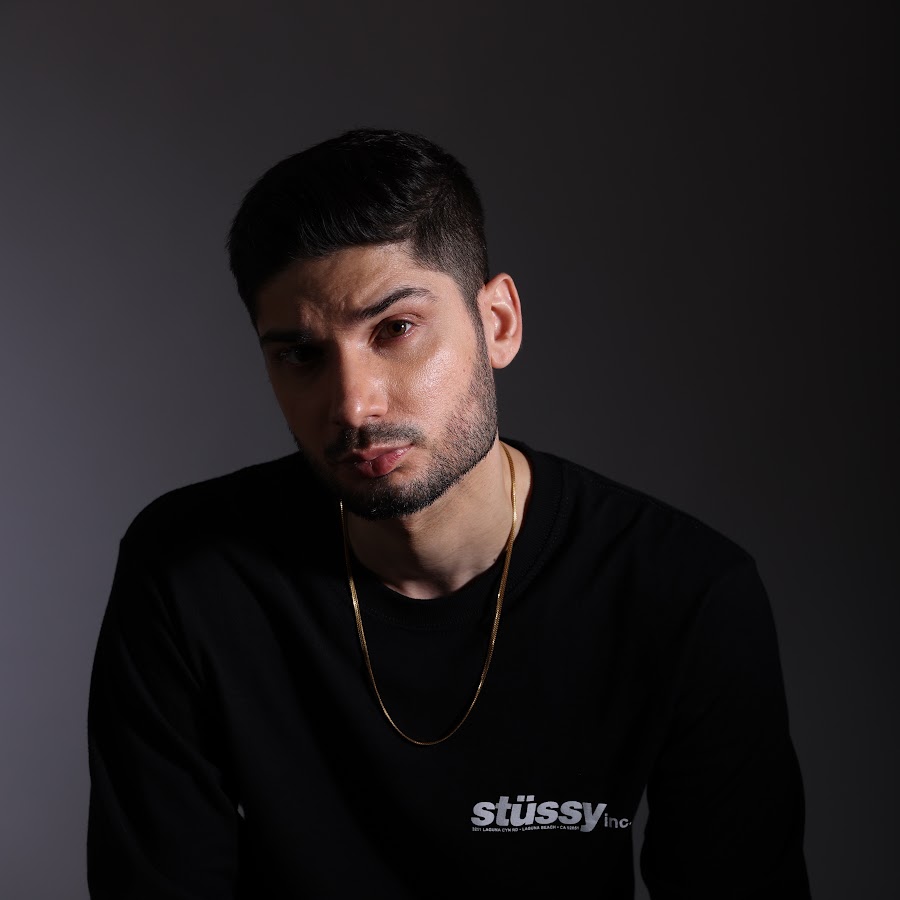 05KR$NA
 06Snipe Slugz
 07Kidshot
 08Farhan Khan
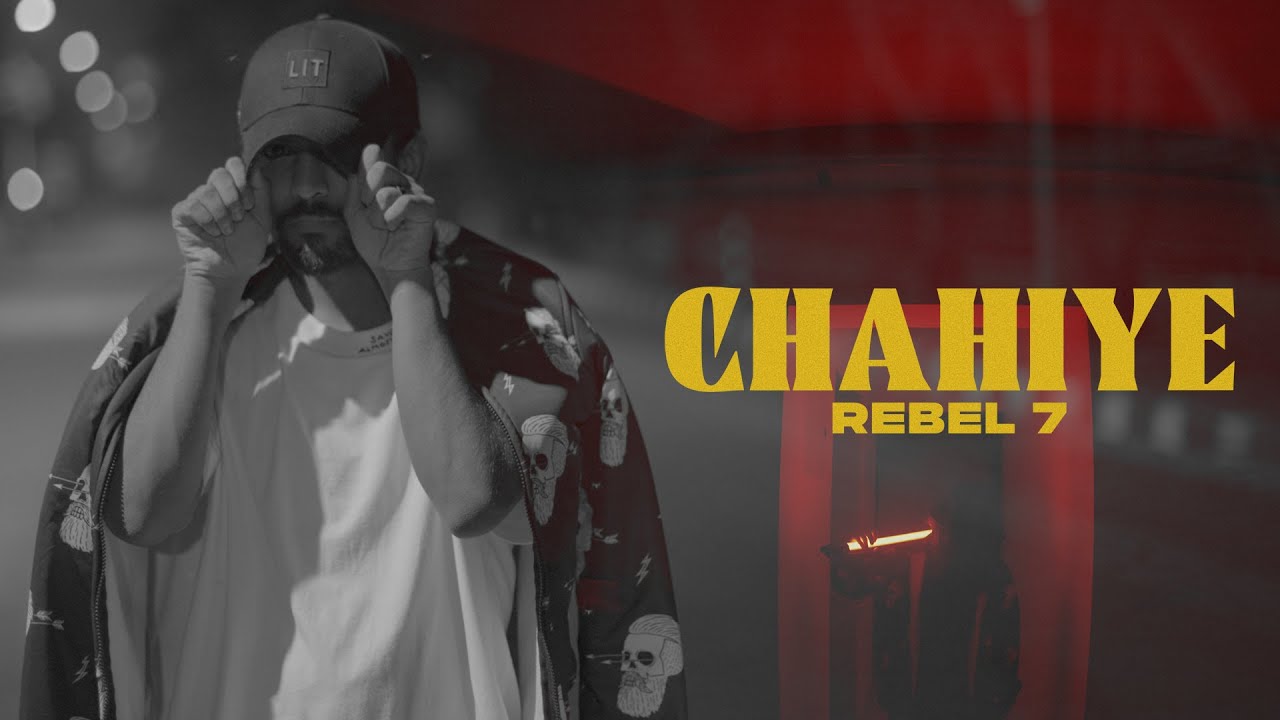
 09Rebel 7
 10Azadi Records
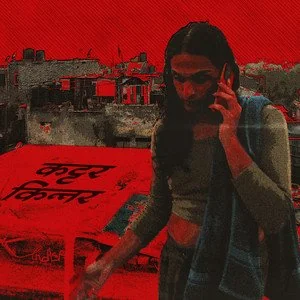 11Kinari
 12GetMyParking
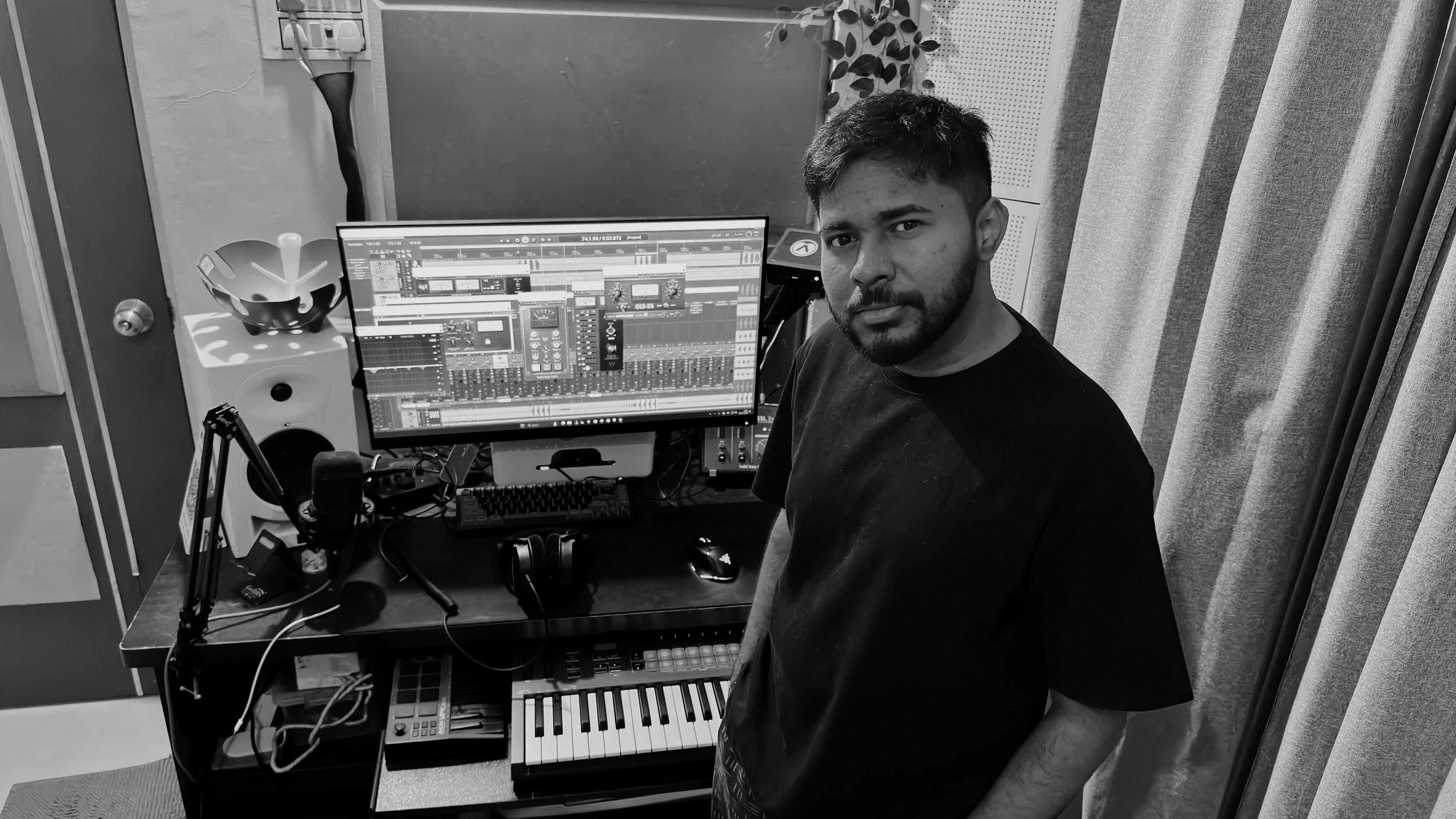 Madebyreko Studio · Kalyan
The Room
Kalyan’s premier recording studio, serving artists worldwide.
Online mixing, mastering and music production for independent artists, labels and brands. Send your stems from anywhere, get back a release-ready master.
Music videos, corporate video and artwork too, when a release needs more than sound.
Principal engineerRekoil Chafe
Primary DAWsReaper.fm + FL Studio
MonitoringAcoustically treated
MasteringITB + optional analog
Enquiriesbusiness@madebyreko.com
What we do
Our Services
Audio Services
Recording
Step inside our comfortable, home-based recording studio, where creativity flows and pressure melts away. Our space is acoustically treated with the goal of optimum clarity of sound.
Audio Services
Mixing & Mastering
Transform your audio from raw recordings into polished, release-ready masterpieces. Our mixing and mastering experts utilize their knowledge and industry-standard technologies to ensure your music sounds great across all platforms.
Audio Services
Music Production
Led by Rekoil Chafe, A pioneer in the Indian hip-hop underground scene, crafting beats for acclaimed artists like Kinari, FeniFina, Gravity, Farhan Khan, KR$NA, Rebel7, and many more, our sound has featured on multiple Spotify Editorial playlists.
Visual Services
Music Videos
At Madebyreko Studio, we believe that attractive visuals are vital for articulating your narrative and connecting with your target audience. Professional music video creation may elevate your music to an immersive visual experience.
Visual Services
Corporate & Social Media
Professional video material will assist you elevate your image while connecting with your target demographics while ensuring consistency with your brand identity.
Visual Services
Graphics & Artworks
Make a lasting visual impression with custom artwork designed uniquely for your music & brand. Our skilled graphic designers produce album covers, single artwork, posters, social media graphics, & much more.
Web Services
Web Design & UI/UX Design
Your sound deserves a home that matches it. We design and build artist sites, label pages and brand websites — interface design, user experience, responsive layouts and everything needed to put your work online properly.
Web Services
App Development
Take your catalogue, your community or your service to mobile. We build and ship applications end to end, from the first wireframe through to store submission and everything in between.
Mix Mastering Demos
Hear the difference before you pay for it.
Below are a few examples of recent projects we have mixed and mastered. Hit play, then flip between RAW and MIXED — the audio and the waveform switch together.
Rahu Ghum by VLKN
AfroDrill · RnB · Melodic RapIntegrated−18.4 LUFS
True peak−6.1 dBTP
Stereo width42 %
Waveformreading audio…
0:00
/
0:00
Our Impact
Trusted by numerous clients for high-quality audio and visual production.
0+
Satisfied Clients
0+
Years of Experience
0+
Projects Completed
In their words
The work speaks. So do they.
“Rekoil (of Madebyreko Studio) is one of the most experienced and skilled people I’ve known and his work speaks for it.”

Akshay “Gravity” PoojaryRapper — MTV Hustle Fame
Never got anything less than professional quality mixes from this studio. I have recommended this to 100s and will continue to do the same!

Sameer “Rapture” InamdarBattle Rapper / Creative Strategist — Allegionz
“Great experience recording at Madebyreko studio. Very professional and knowledgeable. Rekoil was able to make the recording sound better than i envisioned.”

“FeniFina”Rapper / Musician — Canada
4.9
Review us on Google
Madebyreko Studio · powered by Google
Pranav IyerBest place for recording vocals, especially hiphop. Rekoil is that sound engineer who actually listens to your song and gives inputs accordingly.
Lalit KhatriRekoil is very talented guy when it comes to beat production or mixing mastering your song … Very experienced..he can make your song sound professional
piyush SharmAExtremely co-operative and understanding combined with excellent skillsets, Madebyreko is truly the best in his field.
Chintan ChauhanRekoil is so talented and yet humble. He provides end to end support in production and really does all the heavy lifting. Must checkout if you’re an artist into music industry. Love the mixes to the bone.
PiyooshRekoil chafe is one hell of a skilled guy who knows what he’s bringing to the table. Never fails to amaze. Really humble and happy to help. Probably the best service you can get, especially for independent artists. Professional quality at super reasonable price point.
Mayuresh MahajanGood guidance and recording system
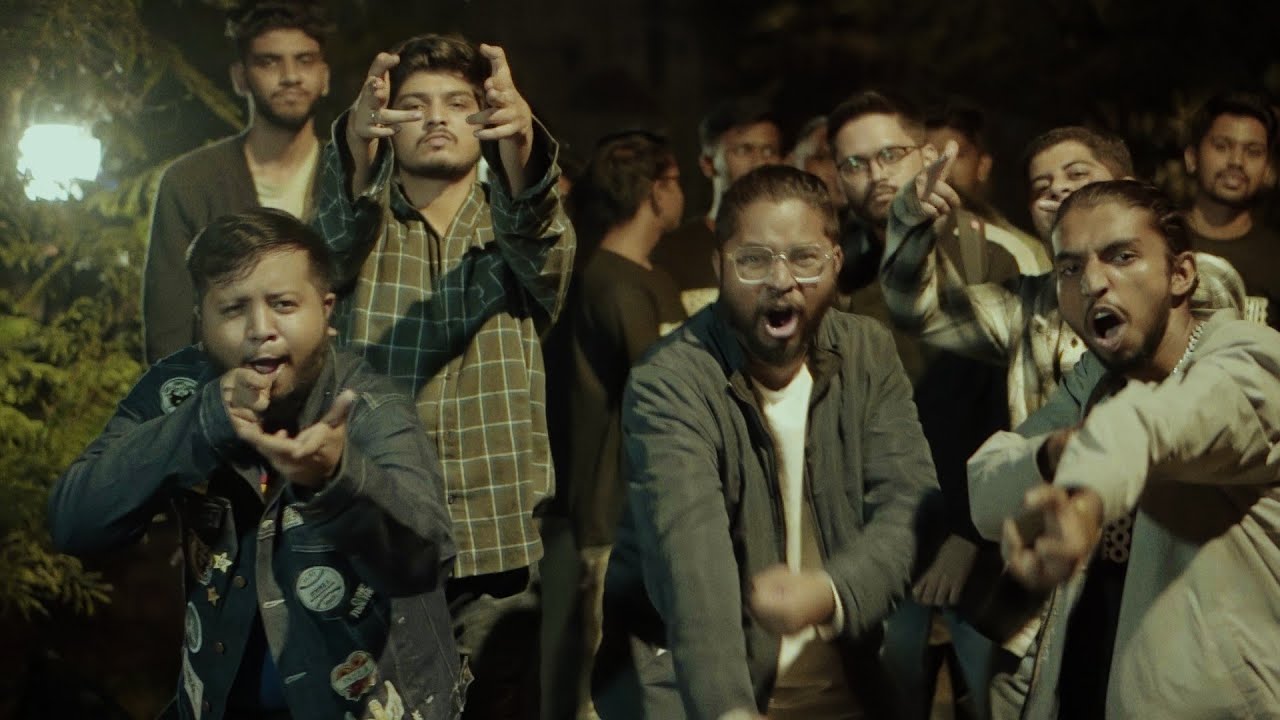
Featured Projects
Explore some of our standout projects.
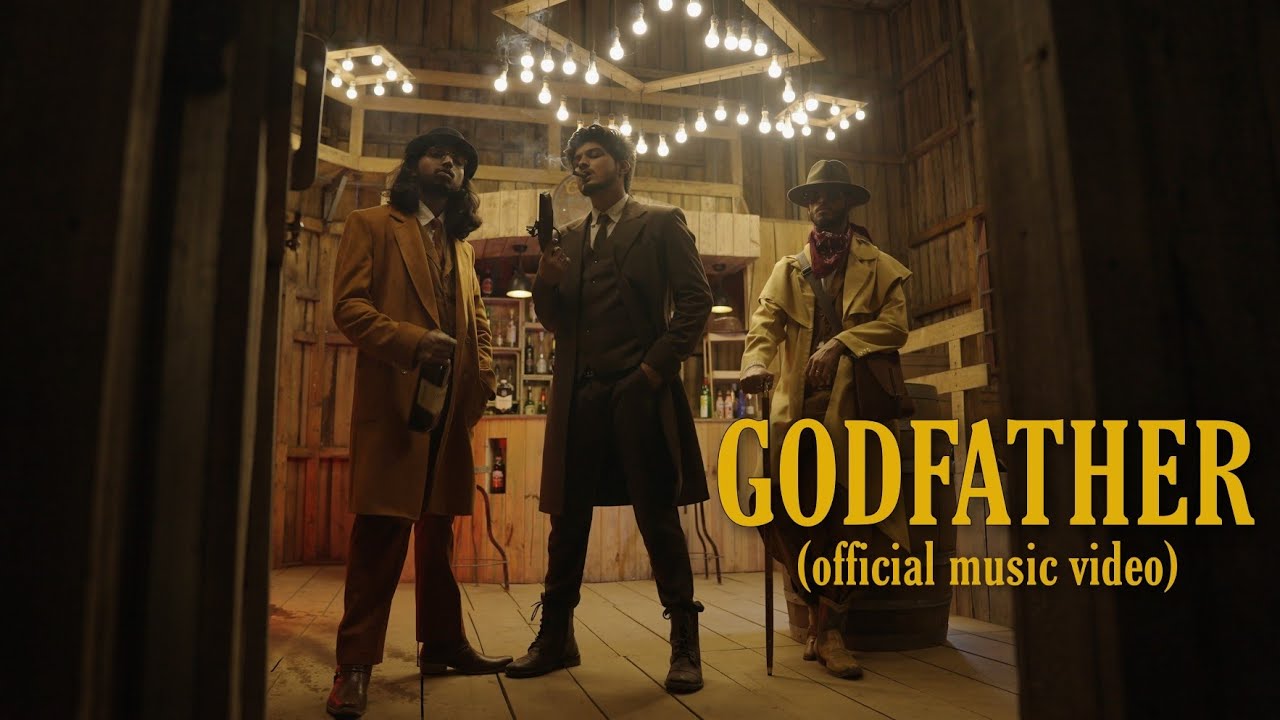
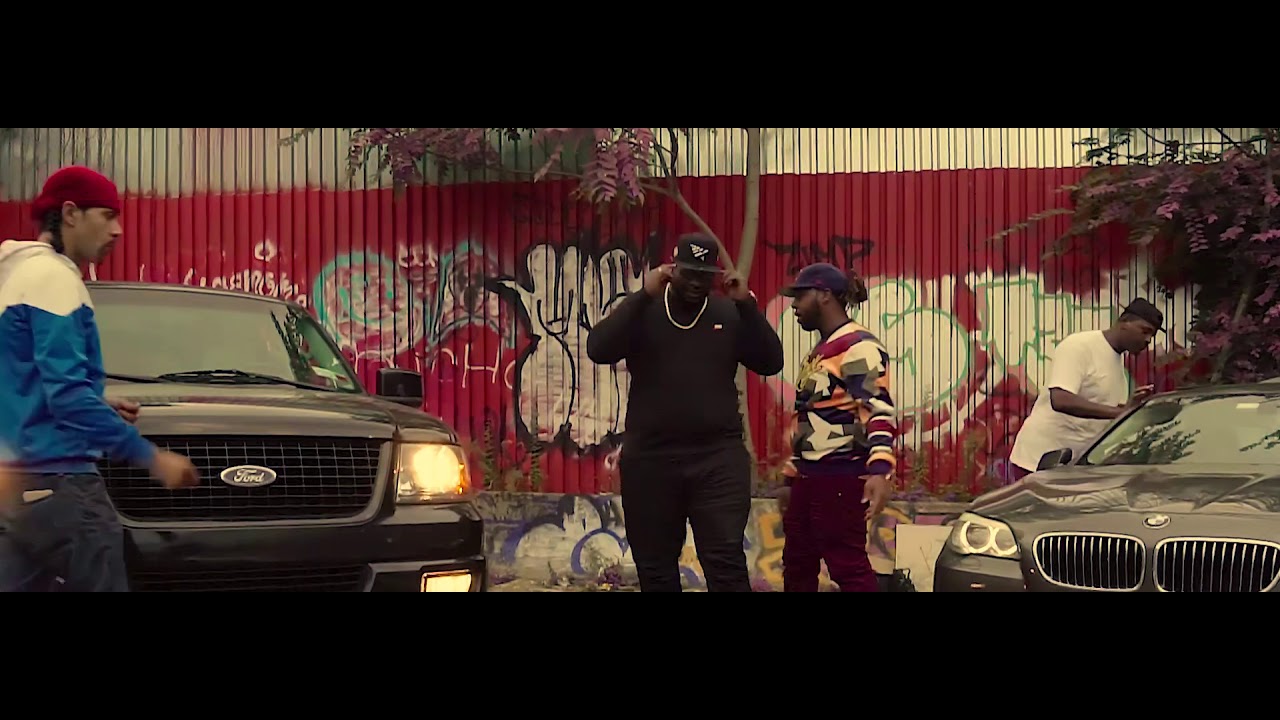
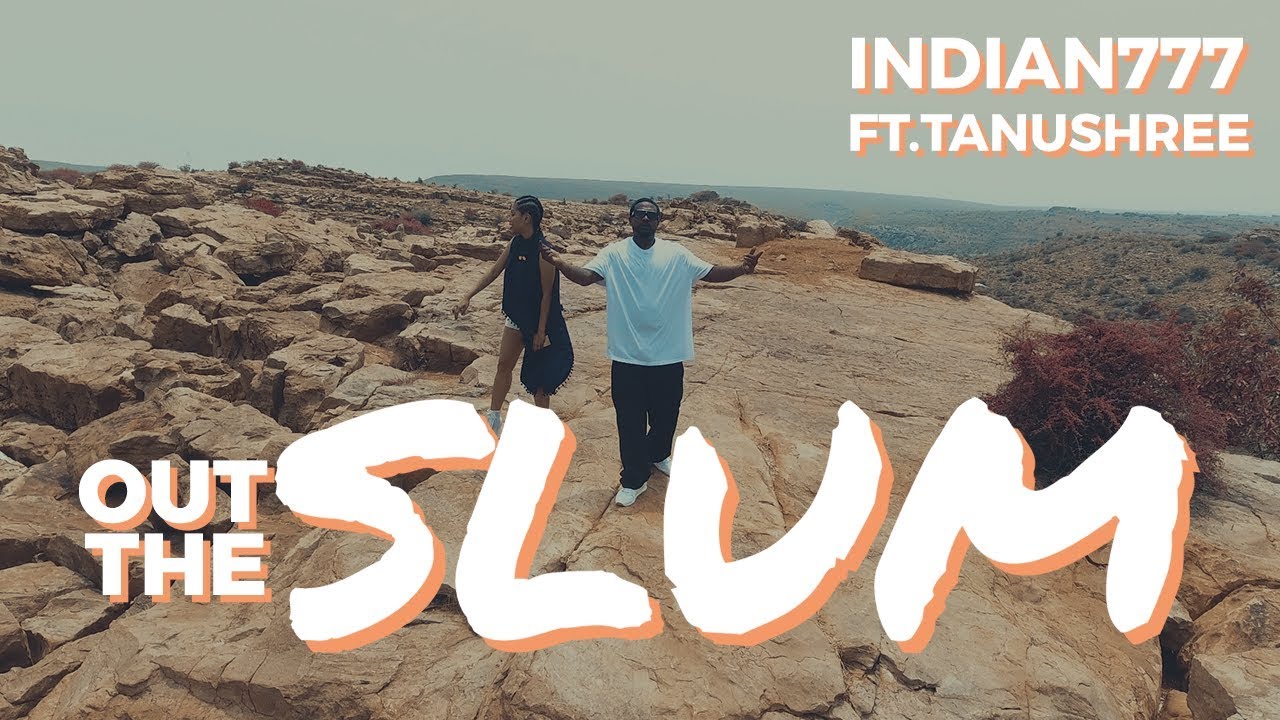
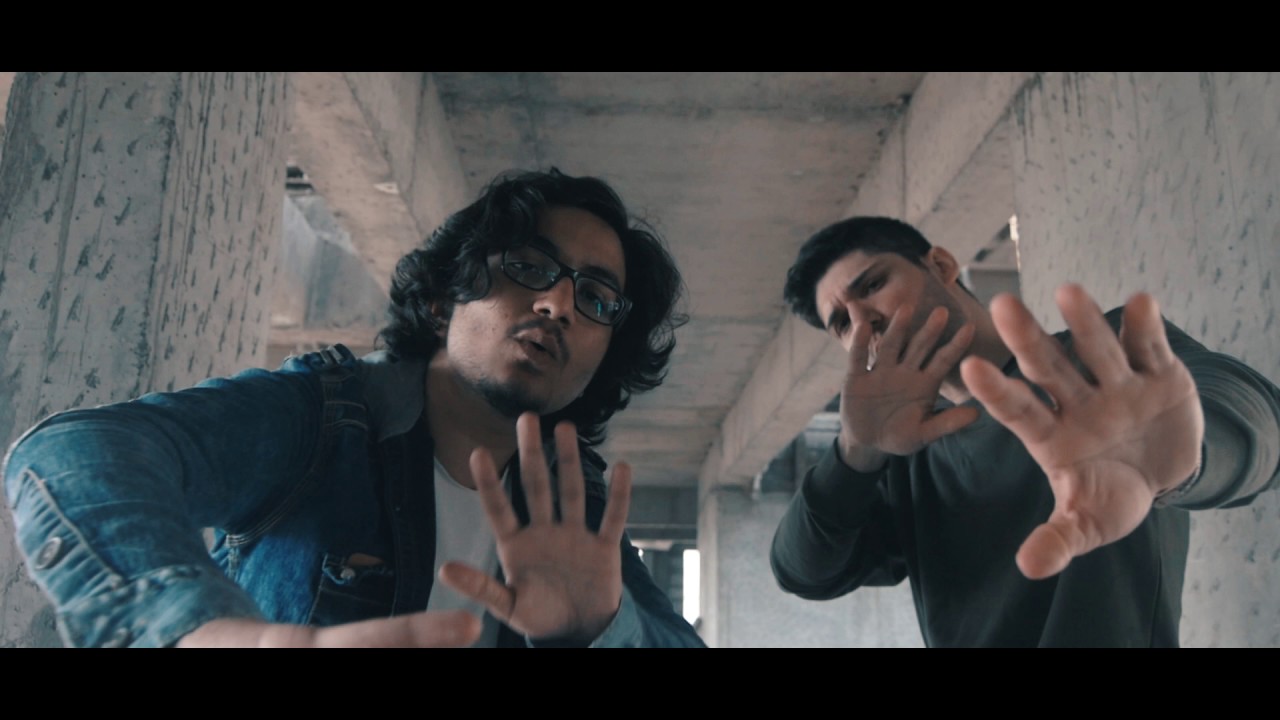
Pricing Chart
Mixing & Mastering Pricing
All our service tiers provide full set of services required to make your music release ready. Deliverables include. Standard .wav & .mp3s, performance mixes, censored mixes, unmastered .wav.
Hourly
suitable for flexible needs. No other service restrictions apply.
₹1800$100
Basic
Mixing service for projects with up to 30 stems.
₹8000$150
Most booked
Professional & Commercial
Larger, more involved records — 50+ stems, no upper limit. Every project is scoped and quoted individually once we have heard it.
Book NowScheduling a call first is preferred — it helps us scope the mix properly.
Music Production
Music Production Pricing
We don’t make beats, we “PRODUCE” the track with you!
Indie favourite
Exclusive Indie
Includes 50% publishing split, 50 points master split for producer.
₹25000$350
Exclusive Premium
Aimed at signed artists. Includes 50% publishing split, 20 points master split for producer.
₹75,000+$850+
Book NowTell us the sound you are after and we will map the session around it.
USD figures are indicative for international clients. Invoicing is in INR at the prevailing rate on the day of booking.
Exclusive Offer for Indie Artists
“All-in-One Launch Package”
Book our Indie Exclusive Advance (₹30,000 · approx. $400 USD) and get:
- Free basic mixing/mastering (₹8,000 · approx. $150 value)
- Free 2 Hour Recording Session (₹1900 · approx. $100 value)
- 1-on-1 release strategy session
Limited slots available.
General Faq
Frequently Asked Questions
We are located in Kalyan, Maharashtra. Please contact us for the exact address and directions.
We work six to eight hours a day on average, and we take eight days off. Kindly message us so that we can arrange a time that is convenient for you and us so that we can guarantee you our undivided attention.
You can easily book a session through the form on our website, email, or phone. Give us a few details about your project so we know how to best help you.
Making an appointment enables us to ensure that the appropriate personnel and tools are available for your project. It allows us to concentrate on providing you with the finest service possible and keeps our calendar organized. Since we want to preserve the caliber of our work and give each person the attention they deserve, we do not accept walk-ins.
We accept cash, credit/debit cards, UPI. Payment terms will be discussed during the consultation process.
Cancellations must be made in writing. If work has not started on your project, a full refund can be processed. However, once work has commenced, full refunds cannot be issued. Any advance payment made prior to the start of the project is non-refundable once the work begins. We strive to resolve any issues to ensure client satisfaction and will work with you to find an amicable solution.
Our hourly rate for recording is ₹900, and there’s a one-hour minimum. We charge in full-hour blocks. We can understand if it gets a few mins (10 max) over the hour. But after that it will be counted as another hour. You can find bulk discounts on the booking page on the website.
Bring everything you need to make your music and anything that helps our engineers understand your vibe. If you have pre-recorded tracks, just make sure they’re organized and easy to find. Drinking, Smoking etc are NOT welcome in our studio.
Absolutely! If you have your own team, just let us know beforehand so we can make sure everything goes smoothly.
We offer four levels of mixing and mastering to fit different project needs and everything varies from project to project. Please connect with us before booking any service.
Hourly: ₹1800 per hour — suitable for flexible needs, no other service restrictions apply
Basic (up to 30 stems): ₹8,000 per song
Professional (up to 50 stems): ₹15,000 per song
Commercial (up to 120 stems): ₹35,000+ per song
Every tier includes the full set of deliverables needed to make your music release ready: standard .wav & .mp3s, performance mixes, censored mixes and the unmastered .wav.
Each level has different services tailored to the complexity of your project. Check out the detailed descriptions on our website or give us a call, and we’ll walk you through it. Regardless Quality is always our priority!
It depends on how complex your project is and also our workload. Basic and Advanced usually take a day or two per song, while Pro might take a bit longer. We’ll give you a more accurate timeline when we chat.
The “ONE HOUR MIX&MASTER” is done as it is marketed, the service is provided in the time mentioned, although advanced boking might be required.
Of course! We want you to be happy with the final result, so revisions are included. Just a heads up that too many revision sessions might mean extra charges. Check out our terms for all the details.
Let’s start by saying that our music production services are tailored to meet the specific needs and goals of each artist individually. We offer two tiers of service: Exclusive Indie and Exclusive Premium. Both options provide high-quality work, but with varying royalty splits and revision policies.
Exclusive Indie is priced at ₹25,000 and includes a 50% publishing split with 50 points of the master going to the producer. This option provides a clear and straightforward agreement for both parties.
Exclusive Premium starts at ₹75,000 and is aimed at signed artists. It includes the same 50% publishing split, but only 20 points of the master go to the producer — so a far larger share of the recording stays with you.
Send us links to reference tracks or describe the sound you’re going for. The more details you give us about the instruments, arrangement, and effects, the better we can create a beat you’ll love. Please do contact us in person to discuss this more in depth.
Of course! We want you to be happy with the final result, so revisions are included. Just a heads up that complicated revision sessions might mean extra charges. Additionally any major changes i.e complete change in composition / rhythm which might have us create the project from scratch will be required to be booked as a new project. Check out our terms for all the details.
We design album art, shoot and edit music videos, and create social media videos (like reels and shorts).
That varies depending on how complex and involved your vision is. Tell us about your ideas, and we’ll give you an estimated timeline
Have a clear concept or storyboard ready, and gather any props, costumes, and locations you need. Our team will help you with the planning and logistics to make the shoot go smoothly.
We create a variety of corporate videos, including promotional videos, training videos, presentations, event coverage, and testimonials. We’ll make sure your message comes across professionally and effectively.
We use top-notch equipment and experienced pros for every step of the process, from writing the script and filming to editing and adding finishing touches. We pay attention to the little things to make sure your corporate video meets the highest standards.
Just give us a clear overview of your goals, who you want to reach, your main messages, and any special requests you have. Our team will work closely with you to create the content that matches your vision.
Vocal dubbing involves replacing the original dialogue in a video with new recordings. This service is useful for translations, improving audio quality, or correcting errors. Our experienced team ensures seamless integration of dubbed audio.
Our audio editing and recovery services include noise reduction, audio enhancement, correction of recording flaws, and restoration of damaged audio files. We ensure your final audio is clear, balanced, and of the highest quality.
Contact us
Get a Quote or Get in Touch
Featured project
Open on YouTube
Before you send stems
The technical bit.
In the world of music, the difference between a good track and a great one often lies in the details.
Professional mixing and mastering are essential steps in the music production process, ensuring your music sounds polished, balanced, and competitive across all platforms.
With a proven track record at Madebyreko Studio, we understand the importance of these final touches, and our experienced engineers are dedicated to bringing out the best in your music.
Preparation
- Organize your tracks: Ensure all project files are properly organized before sending them.
- Delete unrequired files: Remove any unnecessary files unrelated to the mix.
- Arrange & Consolidate: Arrange the tracks in your desired final order and export them together as trackouts. If exporting individual tracks, ensure they are synced properly.
File naming
Use the following naming convention for trackouts:
- Standard:
SongName_Instrument_SerialNo(e.g., Smile_Kick_01) - Single Instrument:
SongName_Instrument(e.g., Smile_Clap) - Artiste and Track Number:
SongName_Artist_Track_SerialNo(e.g., Smile_Reko_LeadVocal_01)
Optional tracks
- Use suffixes “A,” “B,” and “C” for most, least, and additional options, respectively (e.g., Smile_Reko_LeadVocal_01_a, Smile_Reko_LeadVocal_01_b).
Effects
- No Processing: Do not apply compression, EQ, reverb, delay, etc.
- FX Tracks: If specific effects are essential, provide both processed and dry versions:
- Processed:
Smile_Reko_BackingVocals_01_FX - Dry (Original):
Smile_Reko_BackingVocals_01_Dry
- Processed:
Audio levels
- Ensure no track clips. Aim for peak levels between −3 dB and −6 dB.
- FL Studio Users: Avoid lowering the mixer track to prevent clipping. Address clipping at the source.
Resolution
- Export files at their original recording/creation sample rate.
- Preferred formats: 24bit 48kHz or higher (16bit 44.1kHz is acceptable if original).
- Do not: Upscale or downsample bitrates.
Mastering information
- No Fades: Avoid adding fade-ins/-outs to the master or buses.
Text file
Create a text file named artistname_songname.TXT and include the following information:
- Name of Artist:
- Project Name:
- Song BPM:
- Song Key:
- Apple Music/Spotify links to reference songs (mastered):
- Pointers & Specifics for Mix/Master: (Include as much detail as possible)
Folder structure
- Main Folder:
artistname_songnameartistname_songname.TXT(text file)- Subfolder 1: Main Trackouts (primary trackouts)
- Subfolder 2: Optional Tracks (optional tracks)
- Subfolder 3: Reference Outputs (rough mixes and FX references)
Compression and submission
- Compress the entire folder (including subfolders) as a ZIP or RAR file.
- Upload the compressed file to WeTransfer or Google Drive and share the link via email.
- Email address: business@madebyreko.com
- CC: business@rekoilchafe.com, rekoilcs@gmail.com
Following these guidelines will ensure your mix submissions are organized and meet the studio’s requirements for efficient processing.
You can get in touch with us to order, scheduling a call is preferred as it can help us understand your session well and help us organize our timelines better. Click Here to get in touch with us. Share your details and we will call back soon!
Mixing is the process of blending individual tracks together, adjusting levels, panning, and adding effects to create a cohesive and balanced sound. It’s like taking the ingredients of a recipe and combining them to create a delicious dish.
Mastering is the final stage of audio post-production. It involves optimizing the overall sound of your mix, ensuring it translates well across different playback systems and formats. Mastering enhances the sonic qualities of your music, making it louder, clearer, and more impactful.
We have a well treated acoustic environment for monitoring and engineering your projects. We are well versed with a plethora of DAWs like Pro Tools, Fl Studio, Cubase and more we Primarily use Reaper.fm for Engineering purposes along with range of industry standard plugins and audio restoration suites.
All our base services are done “In-The-Box” and we offer optional Analog Processing on the Masters. For Specific details you can get in touch with us.
Level and dynamics control
- Level balancing: Proper Gain Staging & Adjusting the Volume level of each track to ensure a balanced mix.
- Compression: Controlling the dynamic range of tracks to make them sound fuller and more consistent.
- Multi-band compression: Applying compression to specific frequency ranges for more precise control over dynamics.
- Transient shaping: Adjusting the attack and sustain of individual sounds to improve clarity and punch.
- Full mix bus processing: Applying final touches to the overall mix, such as subtle EQ and compression, to glue everything together.
Frequency and tone shaping
- EQ (Equalization): Shaping the frequency balance of each element to enhance clarity and definition.
- Spectral balancing: Analyzing and adjusting the frequency spectrum of the mix to ensure a balanced and natural sound.
Spatial enhancement
- Stereo panning: Positioning tracks in the stereo field to create a sense of space, depth, and width.
- Stereo imaging: Enhancing the stereo image of the mix to create a wider and more immersive soundstage.
Time-based and creative effects
- Plug-in effects: Adding reverb, delay, and other effects to enhance the overall sound and create a desired atmosphere.
- Creative effects: Utilizing advanced effects like saturation, distortion, and spatial effects to add character and depth to the mix.
Automation and refinement
- Automation: Making precise adjustments to levels, panning, and effects over time to create a dynamic and engaging mix.
- Time-correction and editing: Correcting timing issues and editing out unwanted noises or artifacts.
- Pitch Correction: or as generally called “Auto-tune” Correcting any inconsistencies or inaccuracies in vocal pitch for a polished sound.